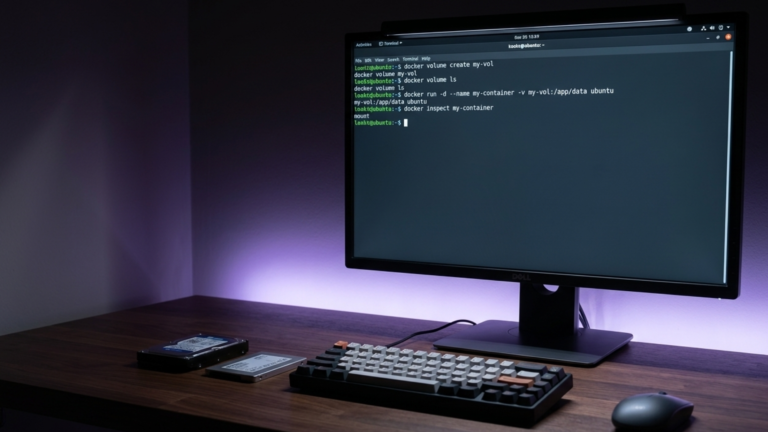
Docker volumes vs. bind mounts is one of the first decisions you face when data needs to outlive a container. Both solve the same problem, but they work differently and suit different situations. The difference is in who manages the storage and where it lives.
What a volume is
A volume is storage that Docker creates and manages. When you create a volume, Docker allocates a directory on the host inside its own storage area on Linux, typically /var/lib/docker/volumes/. You never need to know exactly where that is. You refer to the volume by name, and Docker handles the rest.
docker volume create my_data
docker run --mount source=my_data,target=/app/data myapp
Because Docker owns the volume, it can back it up, inspect it, move it between containers, and clean it up all through Docker commands. The host filesystem doesn’t interfere with it, and other processes on the host can’t accidentally modify it.
What a bind mount is
A bind mount maps a specific directory on your host machine directly into the container. You choose the path on both sides, and Docker connects them.
docker run --mount type=bind,source=$(pwd)/config,target=/app/config myapp
The container sees exactly what’s in that host directory, nothing more, nothing less. If you edit a file on the host, the container sees the change immediately. If the container writes a file, it appears on the host immediately. There’s no intermediary.
The practical difference
Docker manages volumes. You manage bind mounts.
That distinction drives every real-world difference between them.
Portability. A volume works the same way on any machine running Docker. A bind mount depends on a specific path existing on the host; if you move to a different machine and that path may not exist or may contain different files.
Security. A volume is isolated from the rest of the host. A bind mount gives the container direct access to whatever host directory you point it at. If the container is compromised, it can read and write anything in that directory.
Sharing between containers. Volumes are designed for it so that two containers can mount the same volume, and Docker handles consistency. Bind mounts work for this too, but you’re responsible for ensuring the path exists and the permissions are correct on every machine you run it on.
Visibility. With a bind mount, you can see and edit the files directly from the host using your normal tools. With a volume, you need a Docker command or a container to access the contents.
When to use each
Use volumes for production data. Databases, user uploads, application state, anything that needs to survive container restarts and be backed up reliably. Volumes are portable, isolated, and supported by Docker’s backup tooling. A PostgreSQL container with a named volume can be stopped, deleted, and recreated with a newer image, and all the data will be restored.
Use bind mounts for development. When you’re writing code and want to see changes reflected in the container without rebuilding the image, a bind mount is the right tool. Mount your source directory into the container, run the app in watch mode, and edits on your host appear immediately inside.
Use bind mounts for configuration files, too. Mounting a single config file from the host into a container is a natural fit. You edit the file on the host, restart the container, and done. Mount it read-only so the container can’t modify it.
docker run --mount type=bind,source=$(pwd)/nginx.conf,target=/etc/nginx/nginx.conf,readonly nginx
The hybrid pattern is common in practice and works well in a docker-compose.yml file: bind-mount the source code for live reloading during development, use a volume for the database, and use a volume for any uploaded files. Each piece of data goes to whichever storage type fits its requirements.
The Takeaway
Volumes are Docker-managed and the right default for any data that matters in production, they’re portable, isolated, and easy to back up. Bind mounts give you direct access to the host filesystem and are the right choice for development workflows and configuration files that need to read or edit files on both sides of the container boundary.









