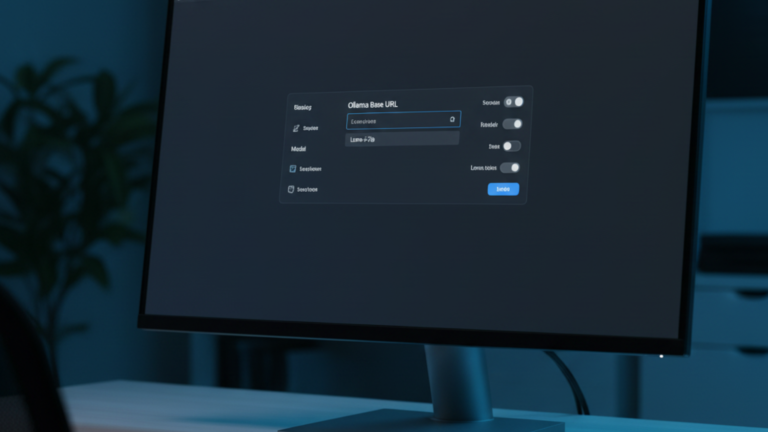
Connect Ollama to AnythingLLM to tell the application where to find your local models and which one to use. Without this step, the chat interface loads but cannot generate any responses.
AnythingLLM and Ollama run as separate containers. They cannot reach each other using localhost because each container has its own isolated network namespace. The connection works through Docker’s internal DNS, the same way Open WebUI connects to Ollama using the container name as the hostname instead of an IP address.
What You Need Before Starting
You need AnythingLLM running in Docker and Ollama running in Docker with at least one model pulled. Both containers must be on the same Docker network.
Find the LLM Settings
Open AnythingLLM in your browser and log in as admin. Click the Settings icon in the bottom-left corner of the sidebar, then navigate to LLM Provider in the left panel.
Configure the Ollama Connection
From the LLM Provider dropdown, select Ollama, then enter the following in the Base URL field:
http://ollama:11434
This works because both containers share a Docker network and Docker’s internal DNS resolves the container name ollama to its internal IP automatically. If your Ollama container has a different name, use that name instead the hostname must match the container name exactly.
Click Save, then click Refresh Models. AnythingLLM queries the Ollama API and populates the model dropdown with everything you have pulled. Select your model from the dropdown and save again.
Verify the Connection
The fastest way to confirm the connection is working is to open a workspace and send a message. If the model responds, the LLM provider is configured correctly.
If the model dropdown stays empty after clicking Refresh Models, the containers are not reaching each other. Check that both are running:
docker ps
Both ollama and anythingllm should show as Up. If they are on different networks, connect the AnythingLLM container to the Ollama network:
docker network connect <ollama-network-name> anythingllm
Replace <ollama-network-name> with the actual network name, which you can find by running:
docker network ls
Then refresh models again from the AnythingLLM settings panel.
What the Base URL Controls
The Base URL is not just a one-time setup step it is the endpoint AnythingLLM calls every time a workspace sends a generation request. Changing it later updates the LLM for every workspace that has not been given a workspace-specific override.
This matters for the document pipeline too. When you upload and embed a document, AnythingLLM uses a separate Embedder model not the LLM configured here. The LLM handles generation; the embedder handles turning document text into vectors. Those are configured independently in Settings → Embedder.
The Takeaway
Ollama is now connected to AnythingLLM through Docker’s internal network using the container name as the hostname. The model is selected, the connection is verified, and every workspace in AnythingLLM can now generate responses using your local model.









