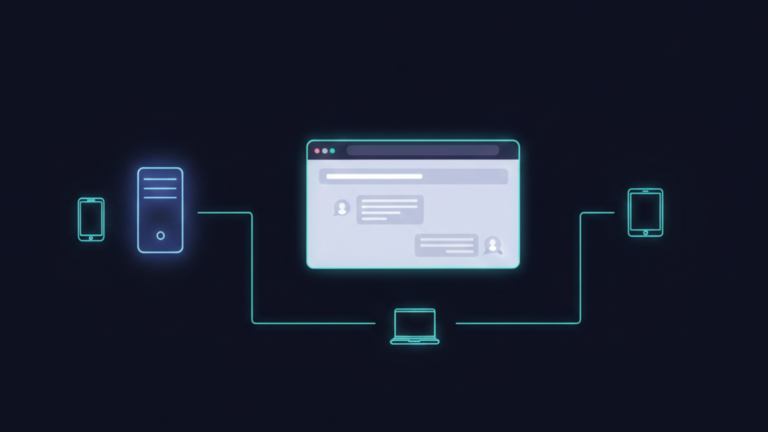
Open WebUI is a self-hosted web interface for interacting with large language models. It takes your local Ollama setup and wraps it in a polished browser-based interface that anyone can use from any device on your network. The models stay local. The data stays private. The experience stops feeling like a developer tool and starts feeling like a consumer product.
What Open WebUI Actually Is
The simplest way to understand Open WebUI is through its relationship with Ollama: Ollama is the engine running the models, and Open WebUI is the dashboard that makes those models accessible. One handles the inference. The other handles the experience.
It runs as a Docker container alongside your existing stack, connects to your Ollama server, and serves a browser-based interface that looks and behaves like ChatGPT conversation history, model switching, file uploads, and all. Your family members or anyone else on your network never interact with Ollama directly. They open a browser tab, type a message, and get a response.
Every prompt, every uploaded document, and every response stays on your hardware. Nothing is sent to OpenAI, Google, or any other external server. The experience is familiar. The infrastructure is entirely yours.
What Makes It More Than a Chat Interface
Open WebUI is not just a pretty wrapper. It adds genuine capability on top of what Ollama provides on its own.
The most significant is local RAG Retrieval-Augmented Generation. You can upload documents directly into a conversation: PDFs, Word files, text documents, research papers, and internal documentation. Open WebUI processes and indexes those documents locally, and the model can answer questions based specifically on their contents. Your private documents never leave your server. This turns your local AI setup into something genuinely useful for knowledge work, reviewing contracts, summarizing research, and querying documentation rather than just general conversation.
Web search integration extends the models beyond their training data. Open WebUI can connect to search providers and pull live results into the model’s context, giving it access to current information without routing your queries through a cloud AI service.
Multi-user support means the setup scales beyond one person. You create accounts, assign roles, and give different members of your household or team access to the same local AI infrastructure with their own conversation histories and settings. One installation serves everyone.
The interface also supports voice input and output through local speech-to-text and text-to-speech providers, which means the same setup that runs as a chat interface can be extended into a voice assistant that processes everything locally.
Why It Completes the Ollama Setup
Without a proper interface, local AI is a tool for people comfortable with terminals. With Open WebUI, it becomes the infrastructure for an entire household. The privacy and control that motivated the local setup extend to everyone who uses it, not just the person who set it up.
It is also model-agnostic in a way that matters for long-term flexibility. While it pairs naturally with Ollama, it can connect to any API that follows the OpenAI specification. If you want to route certain queries to a cloud model while keeping sensitive ones local, Open WebUI handles the switching from a single interface. You are never locked into one backend. The interface stays consistent regardless of what is running underneath it.
The Takeaway
Open WebUI is what turns a local AI server into a local AI platform. Ollama provides the models and the inference engine. Open WebUI provides the interface, the document handling, the user management, and the experience that makes all of it accessible to everyone on your network. No cloud dependency, no subscription, no data leaving your hardware.









