How to Add Your User to the Docker Group on Linux

To add your user to the Docker group on Linux, run sudo usermod -aG docker $USER and refresh your session. This fixes the permission denied while trying to connect to
 Faveren Caleb
To add your user to the Docker group on Linux, run sudo usermod -aG docker $USER and refresh your session. This fixes the permission denied while trying to connect to

Slow Docker builds for ML projects are almost always caused by the same three mistakes: no .dockerignore file, dependencies reinstalling on every code change, and model weights downloading at container

Out of memory errors in Ollama mean the model you are trying to run requires more VRAM than your GPU currently has available. The fix is almost always one of

The “GPU not detected in Docker” error appears when Docker lacks the bridge required to pass GPU access from the host into a container. Docker containers are isolated from hardware

Back Up Docker Volumes with one command and a temporary container. Docker doesn’t do it automatically, and any data written inside a container disappears with it if there’s no volume

Ports in Docker control how traffic reaches a service running inside a container from your browser or any other application on the outside. Without port mapping, the container runs in

Docker volumes vs. bind mounts is one of the first decisions you face when data needs to outlive a container. Both solve the same problem, but they work differently and

LocalAI with Docker runs an OpenAI-compatible inference server on your own hardware, with no API costs, no data leaving the machine, and no cloud dependency. This guide covers one job:

Whisper for Audio Transcription with Docker runs OpenAI’s speech recognition model locally, no cloud, no subscription, no audio leaving your machine. This guide covers one job: getting the container running

Stable Diffusion WebUI with Docker runs as a fully isolated container, no Python conflicts, no CUDA wrangling on the host. This guide covers one job: getting the container running so
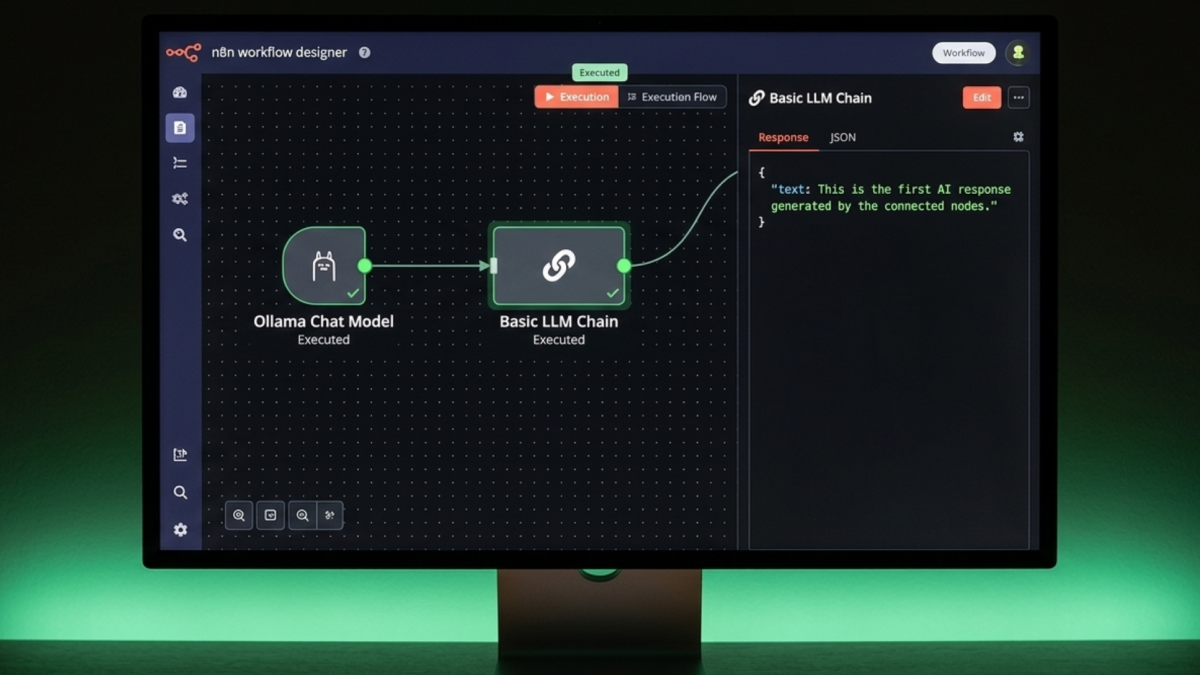
Connecting n8n to Ollama for AI automation starts with a single credential point n8n at Ollama’s API port, select a model, and every workflow you build can send prompts to
Setting up n8n with Docker has one step that catches most first-time installs: the data directory needs explicit ownership before n8n can write to it. Skip that and the container
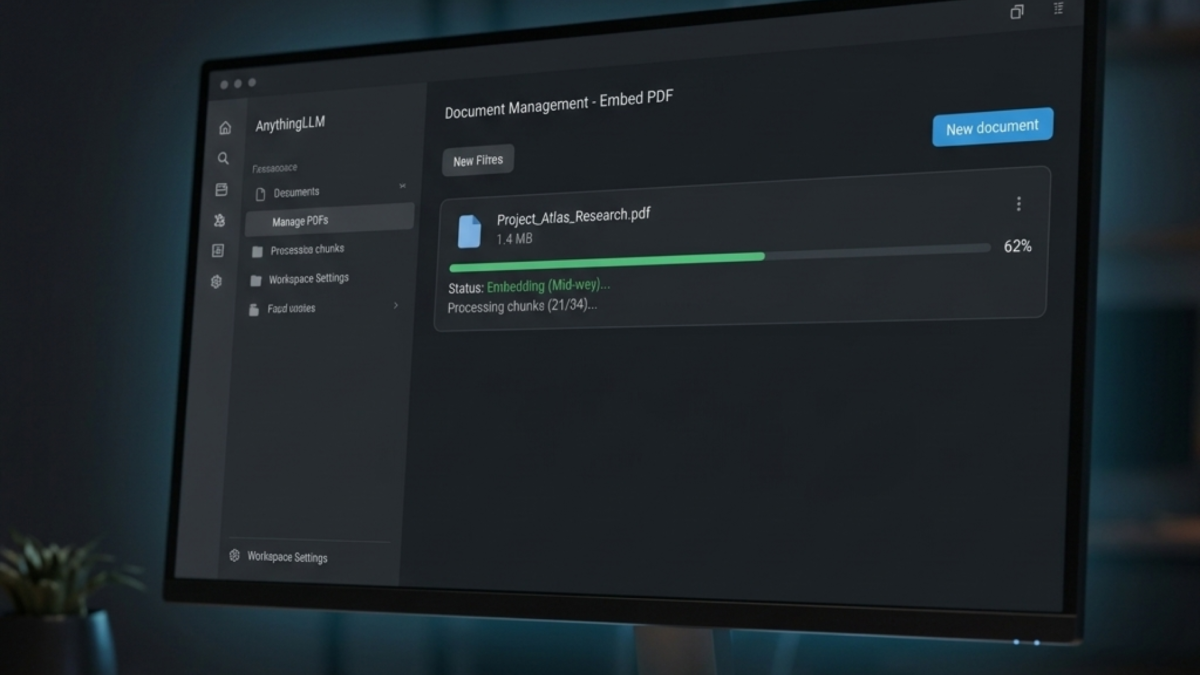
Creating a knowledge base in AnythingLLM takes three steps: create a workspace, upload your documents, and embed them so the AI can search and answer questions directly from your content.
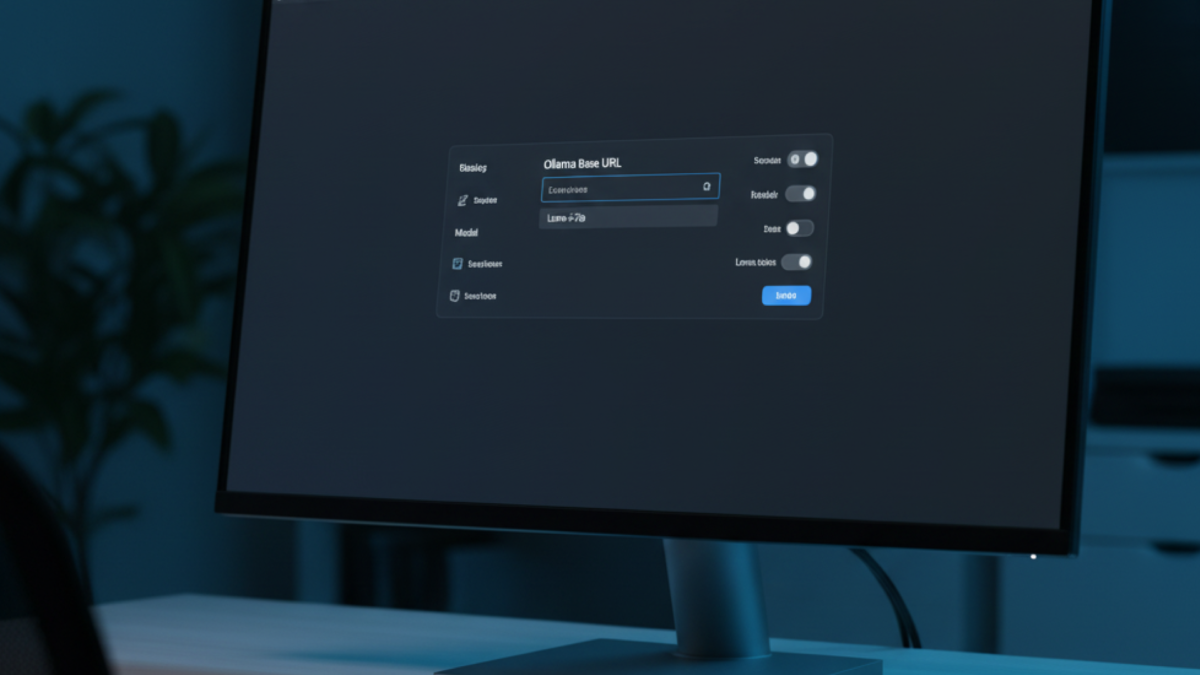
Connect Ollama to AnythingLLM to tell the application where to find your local models and which one to use. Without this step, the chat interface loads but cannot generate any
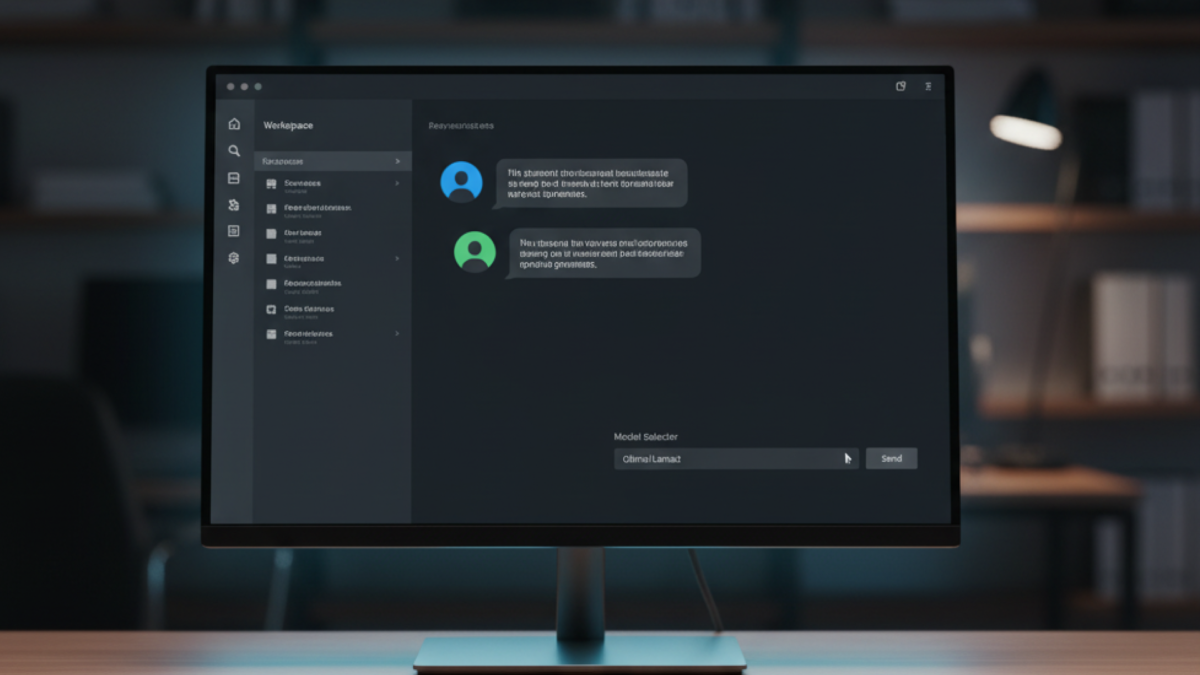
Set up AnythingLLM with Docker to get a self-hosted AI workspace that can ingest documents, run RAG queries, and connect to any local or cloud LLM all from a browser
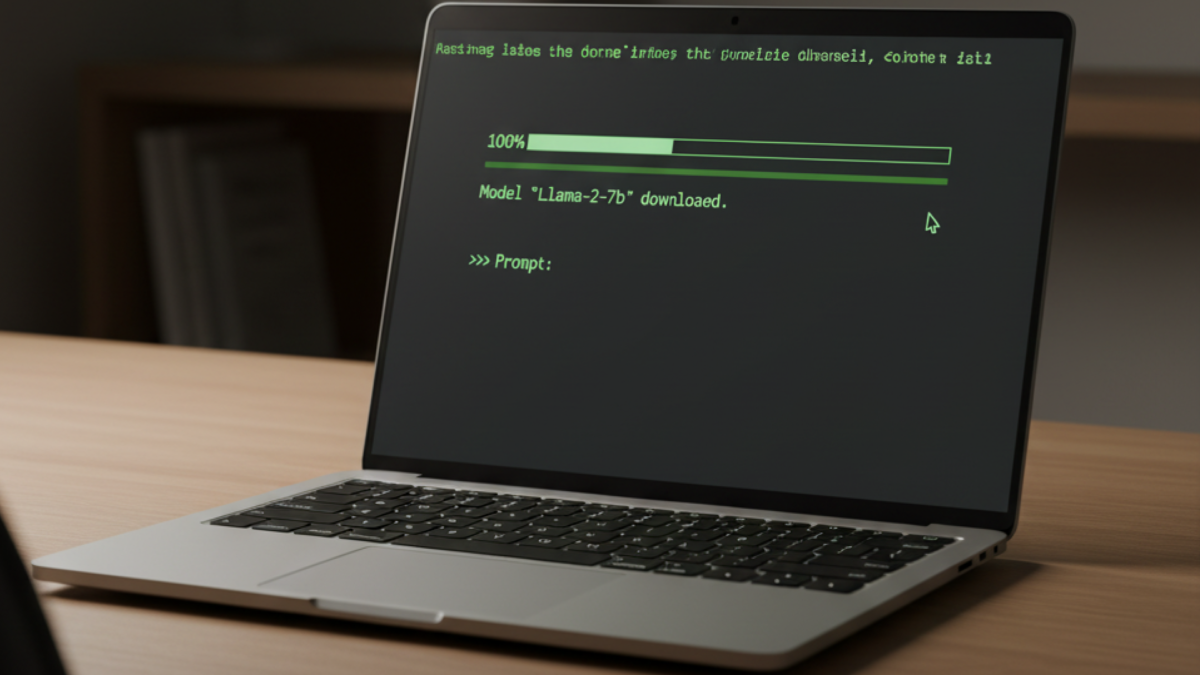
Running your first local AI model with Ollama takes one pull command and one terminal prompt, no cloud account, no API key, no Python environment to configure. Ollama manages everything
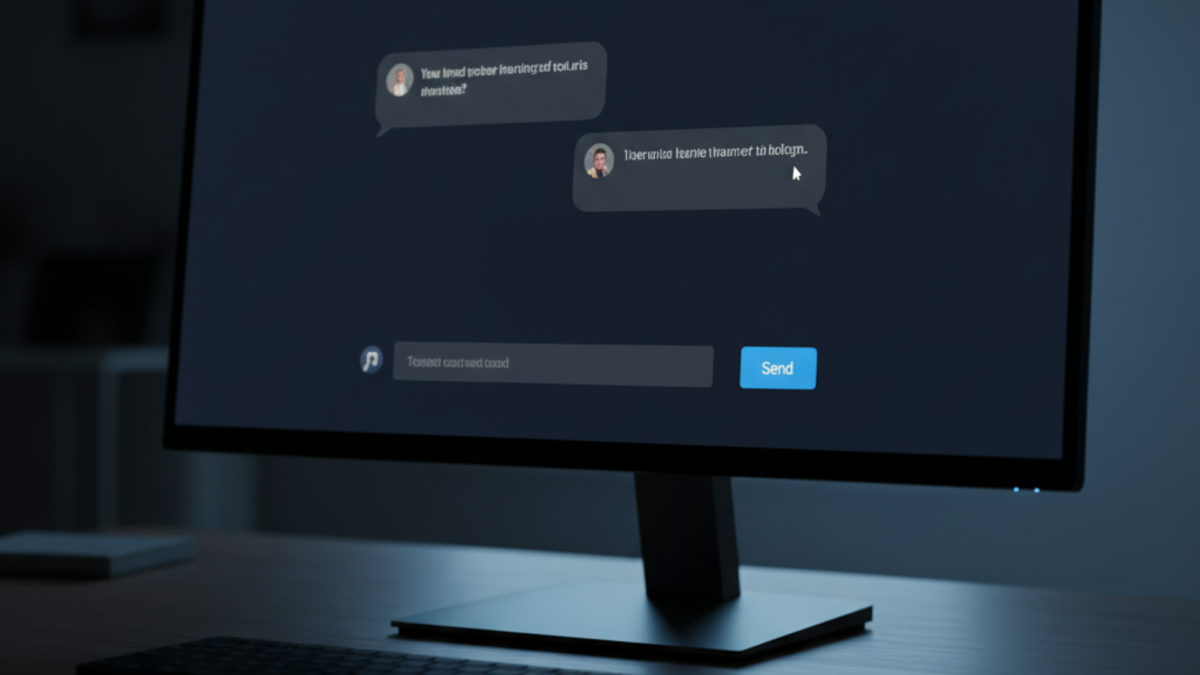
Set up Open WebUI with Docker to add a browser-based chat interface to your Ollama instance conversation history, model switching, and document uploads, all running on your own hardware. If
Install Ollama with Docker to get a local LLM server that runs entirely on your own hardware, persists downloaded models across updates, and exposes an OpenAI-compatible API on port 11434,
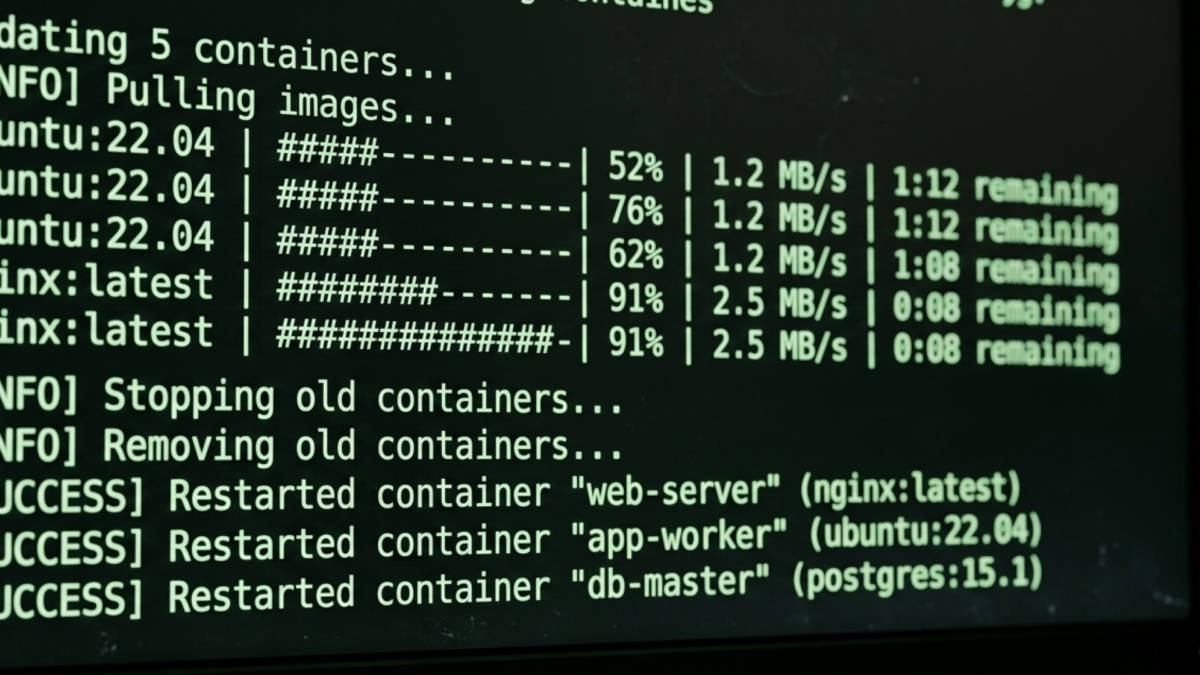
Watchtower on Docker is a container that watches your other containers and updates them automatically when new image versions are released, covered in the homelab hub post. This post covers
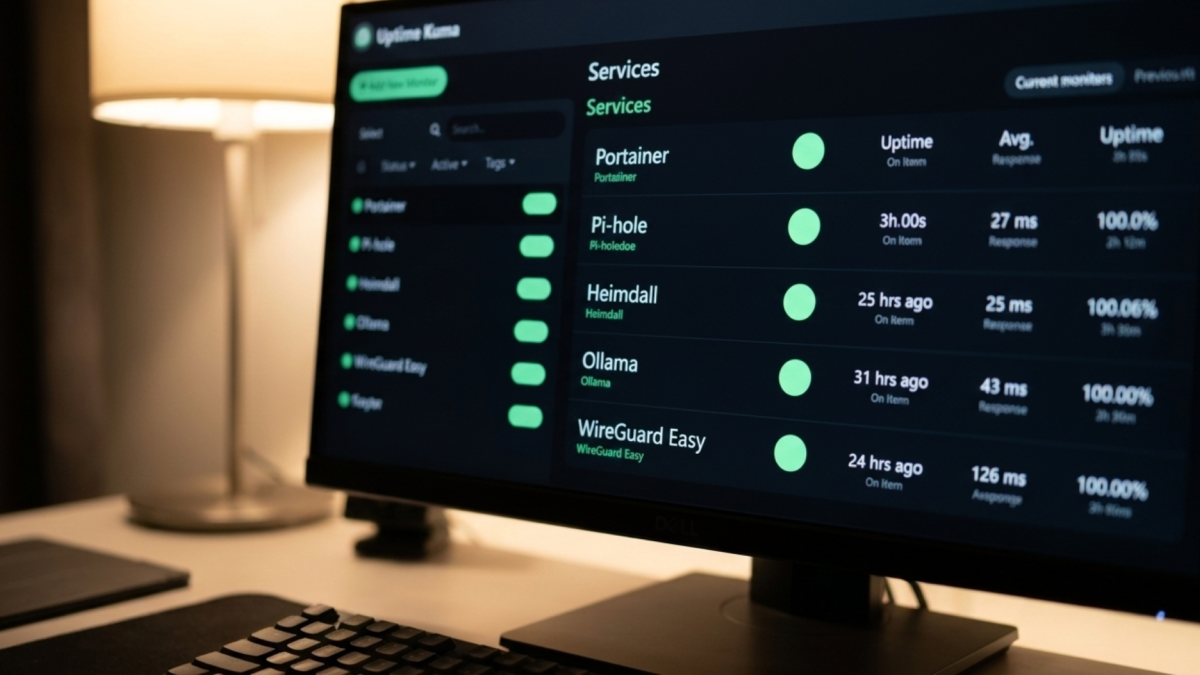
Uptime Kuma on Docker is a self-hosted monitoring tool that tracks the availability of your services and sends alerts when they fail, covered in the homelab hub post. This post