How to Set Up WireGuard Easy on Docker
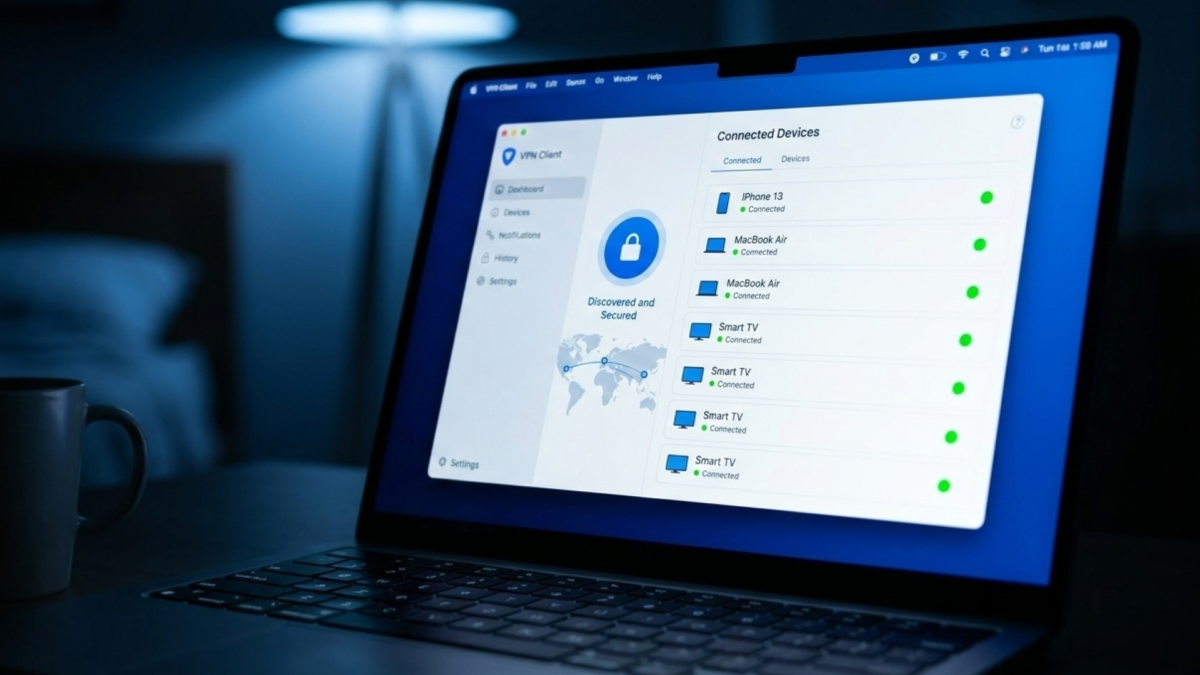
WireGuard Easy on Docker is a containerised WireGuard VPN server with a built-in web interface for managing clients covered in the homelab hub post. This post covers only the installation.
 Faveren Caleb
WireGuard Easy on Docker is a containerised WireGuard VPN server with a built-in web interface for managing clients covered in the homelab hub post. This post covers only the installation.
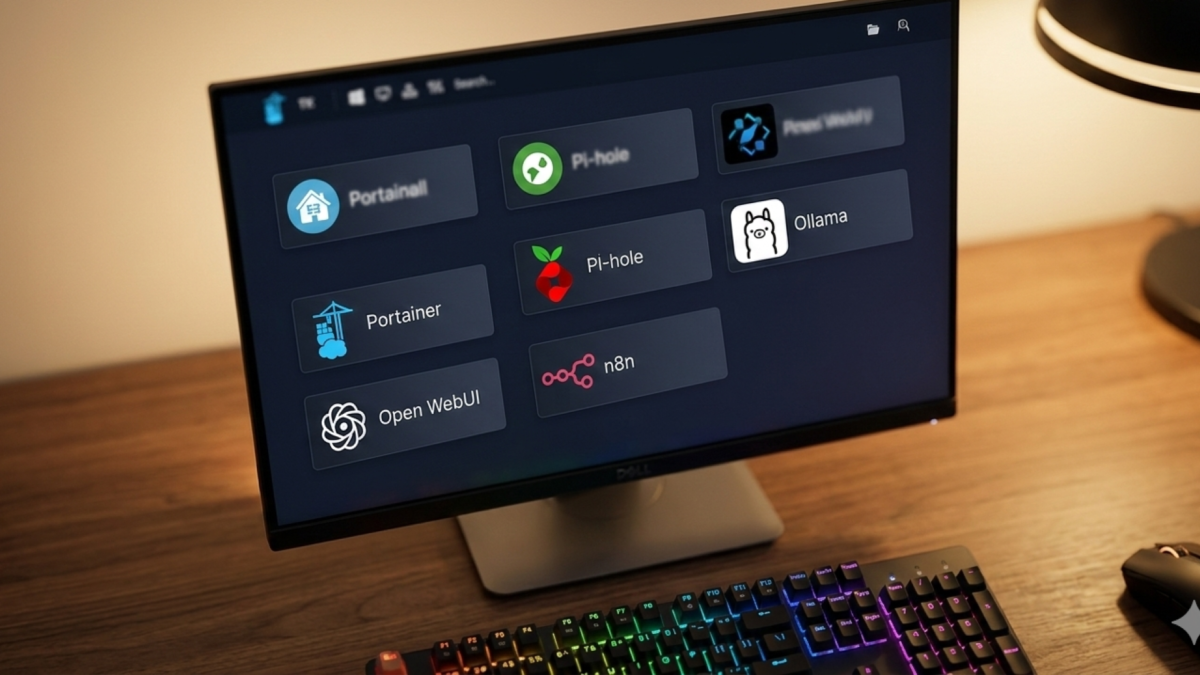
Heimdall is a self-hosted dashboard that collects all your homelab services into a single page of clickable tiles covered in the homelab hub post. This post covers only the Docker
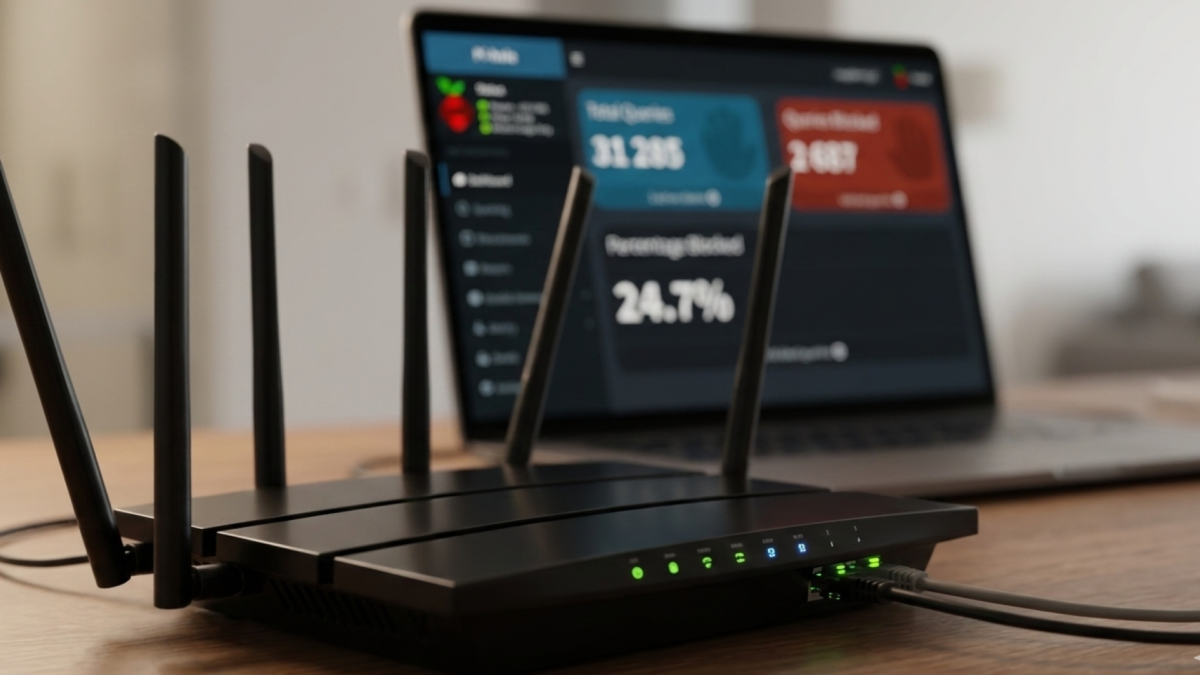
Pi-hole is a DNS sinkhole that blocks ads and trackers at the network level, covered in the homelab hub post. This post covers only the Docker installation. Prerequisites You need
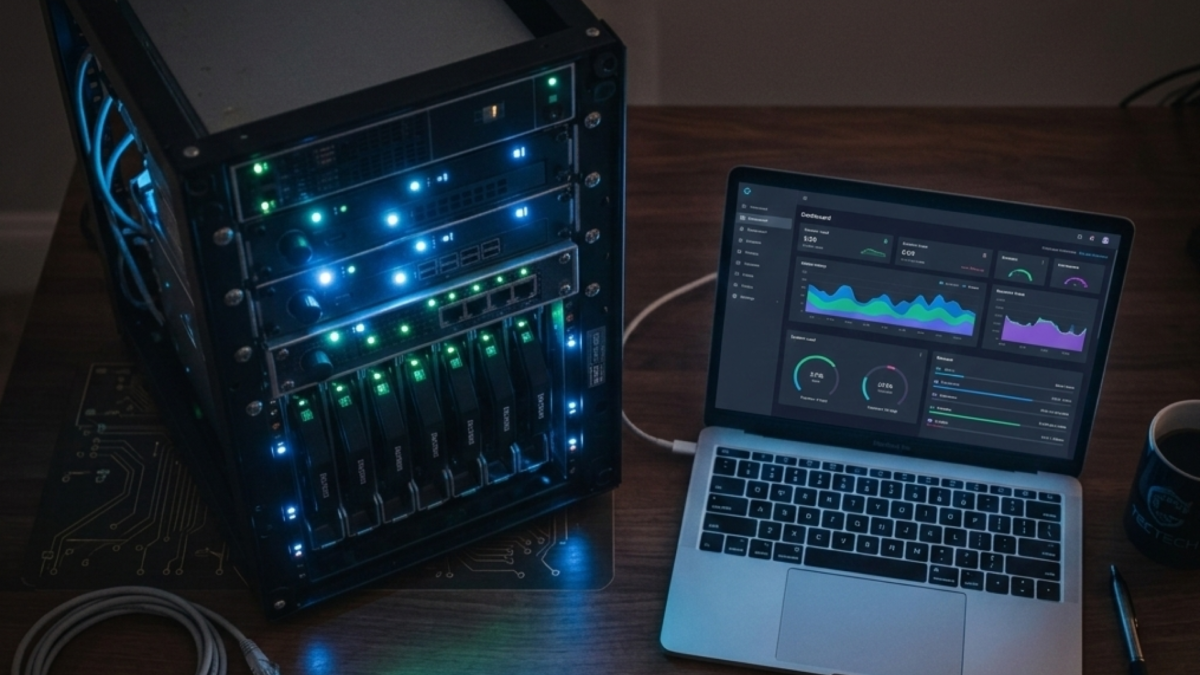
Portainer is a lightweight web UI that runs as a Docker container and lets you manage containers, images, volumes, and networks from your browser. Portainer was covered in the homelab
A docker-compose.yml file is how you define an entire application stack in one place, every container, how they connect, and where they store data, so you can start everything with

Running your first Docker container teaches you something no amount of reading about Docker does what the pull-run cycle actually looks like and what a container’s lifecycle means in practice.

Installing Docker on Linux comes down to one decision: always use the official Docker repository, not the version your distribution ships with. The packages in Ubuntu’s and Debian’s default repos
The best Docker containers for AI homelab aren’t useful in isolation; they’re useful because of how they connect. You already know what each of these tools does. This post is

CPU inference, running AI models on a processor rather than a graphics card, is not only possible, it is practical for a wide range of real tasks. The assumption that
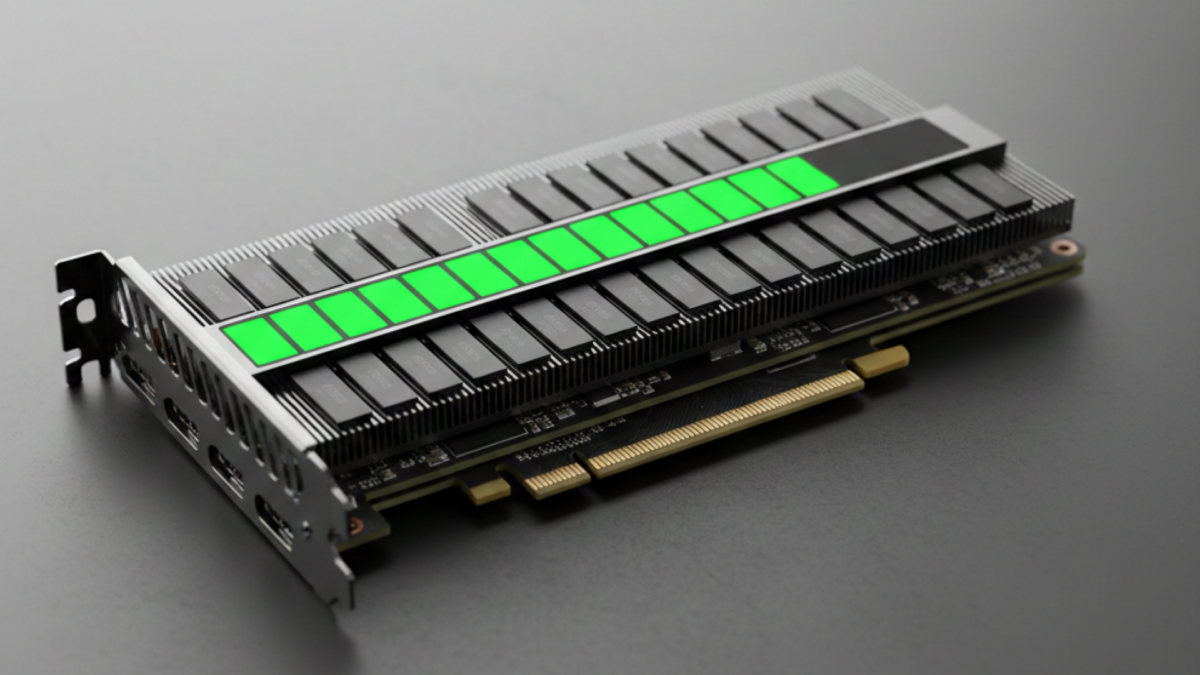
VRAM, the dedicated memory on your graphics card, is the single constraint that determines what you can and cannot run locally. If a model’s weights do not fit inside it,

Local AI and Cloud AI are two fundamentally different ways of running an artificial intelligence model, and the difference comes down to where the computation happens. With Cloud AI, your
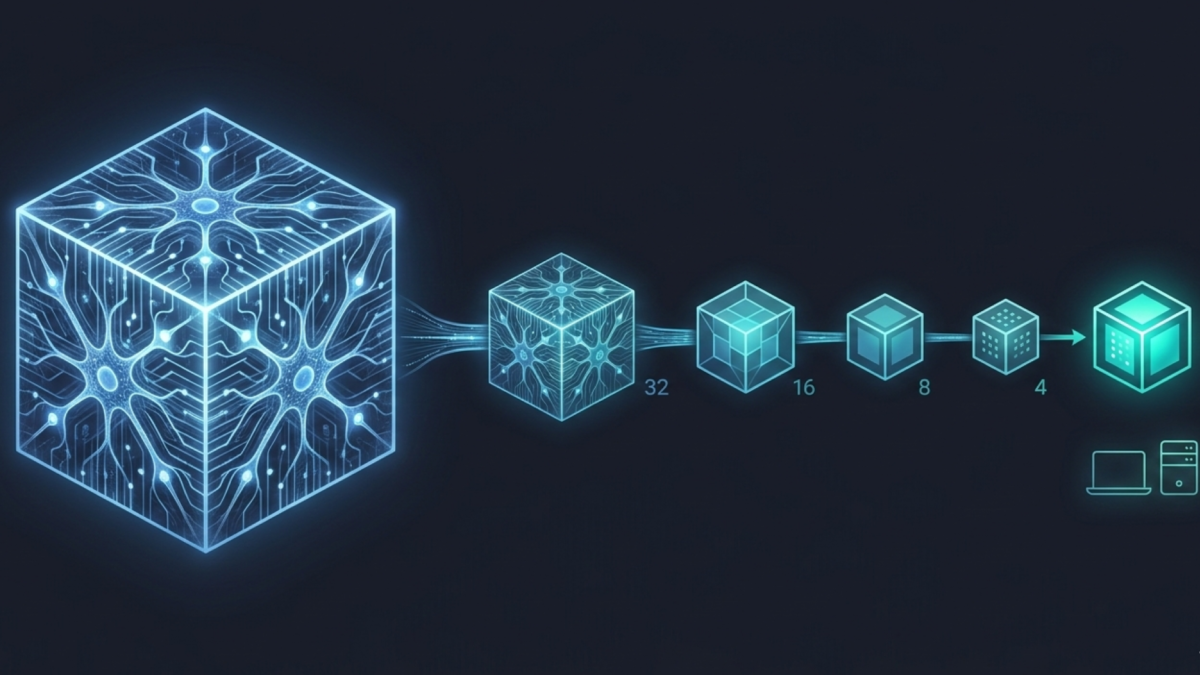
Model quantization is the process of reducing the precision of the numbers inside an AI model, so it takes up less memory and runs faster without meaningfully changing what it
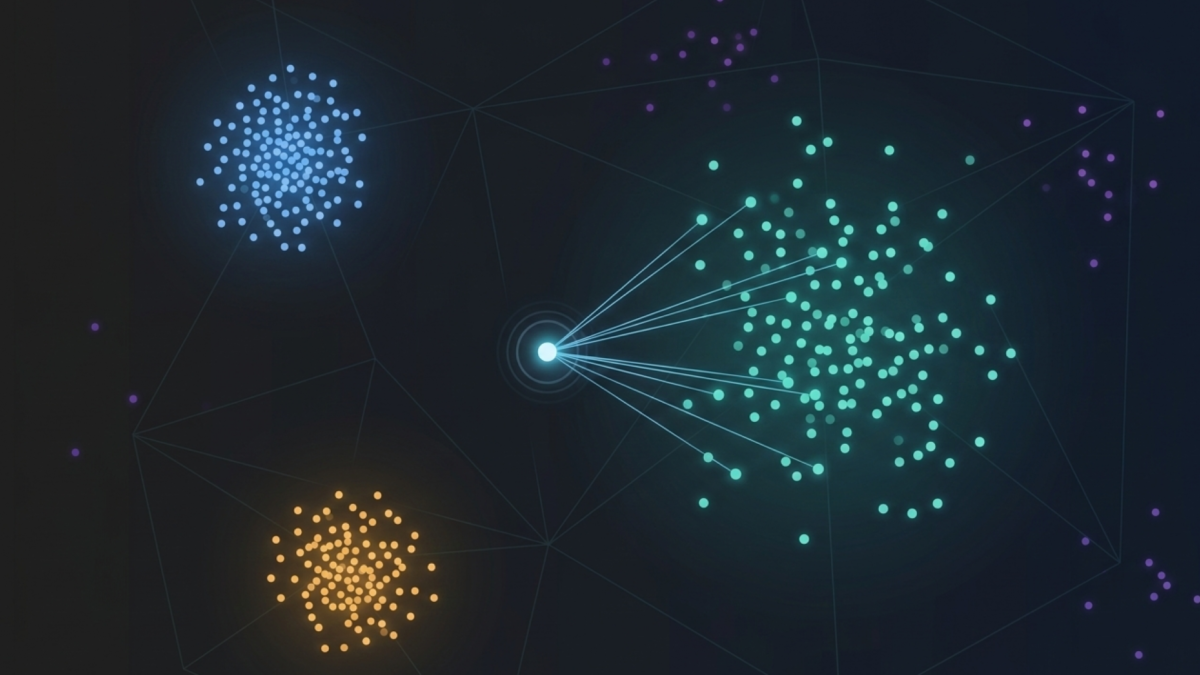
A vector database is a database built to store, index, and search vector embeddings, numerical representations of meaning extracted from text, images, audio, or any other unstructured data. It is
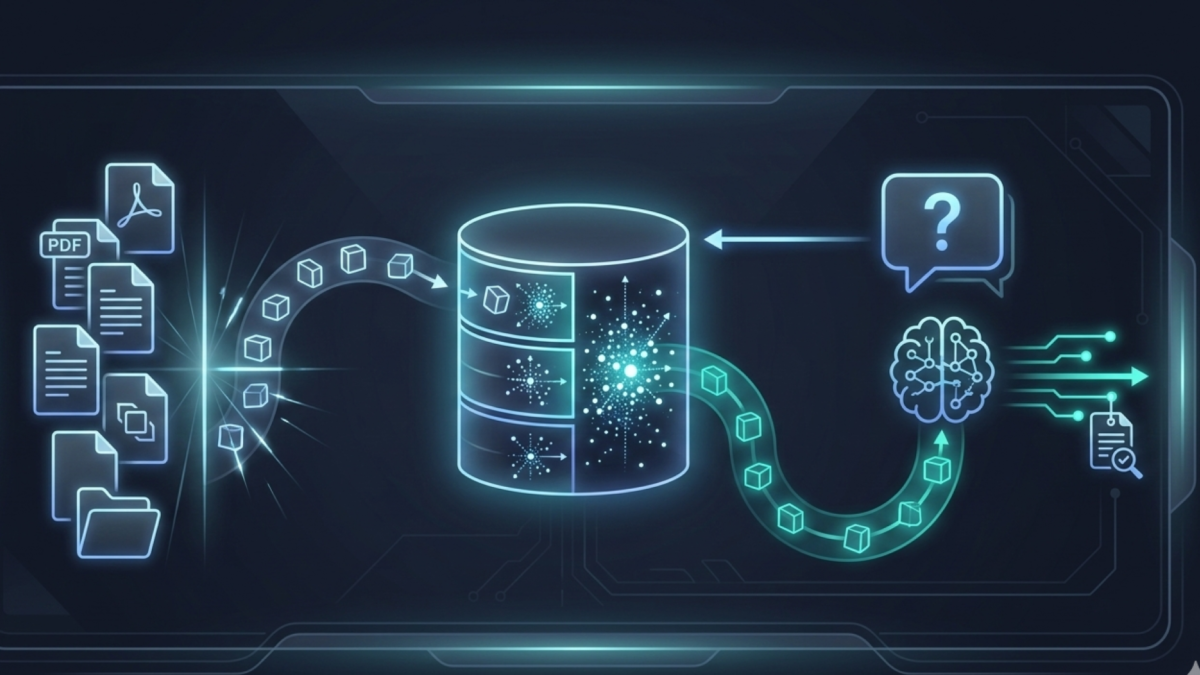
RAG Retrieval-Augmented Generation is the technique that lets AI models answer questions from your documents rather than from their training memory. It fixes the single biggest limitation of local AI:
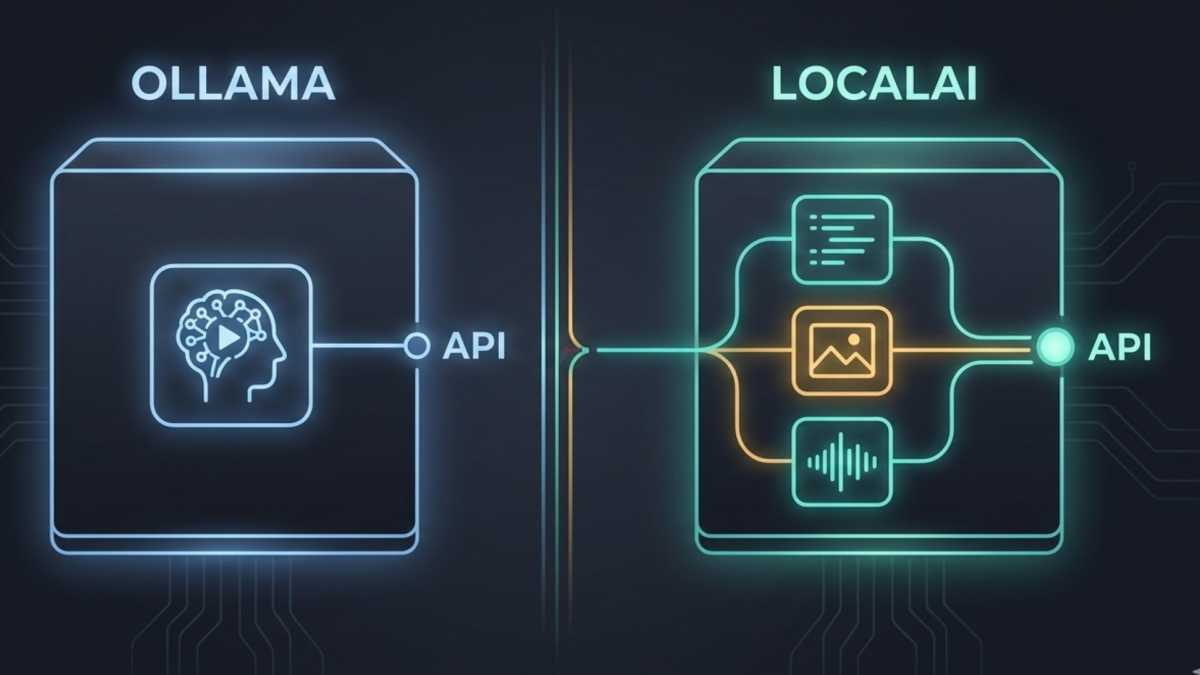
Ollama and LocalAI both run AI models locally on your own hardware. But they are built for different problems, different users, and different stages of a homelab’s growth. Understanding the
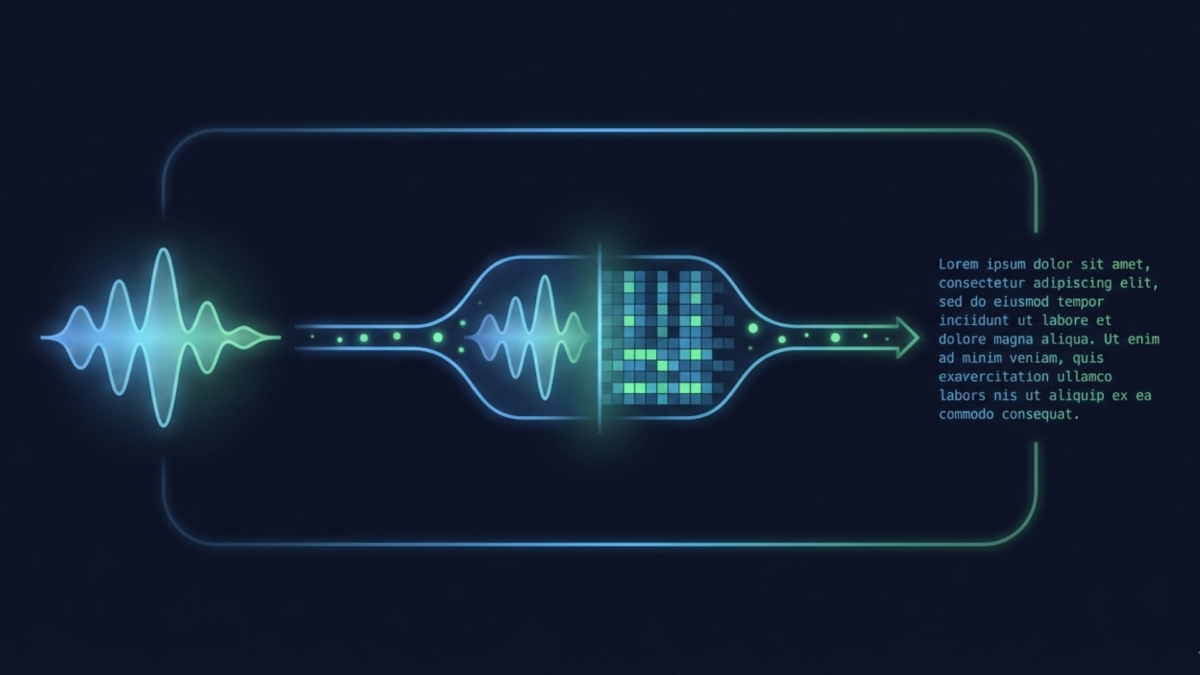
Whisper is an open-source speech recognition system developed by OpenAI that transcribes audio entirely on your own hardware, free, private, and accurate enough to rival paid cloud services: no API
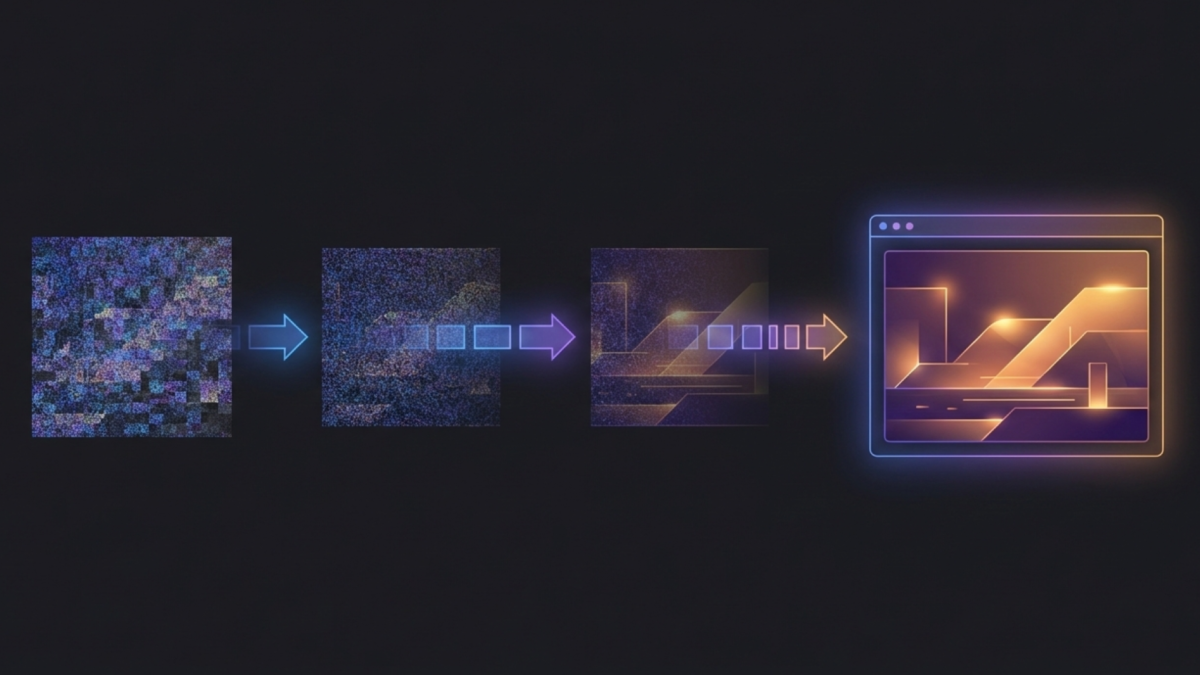
Stable Diffusion WebUI is a browser-based interface that runs the Stable Diffusion image generation model on your own hardware, free, private, and completely unlimited. No subscriptions, no usage limits, no
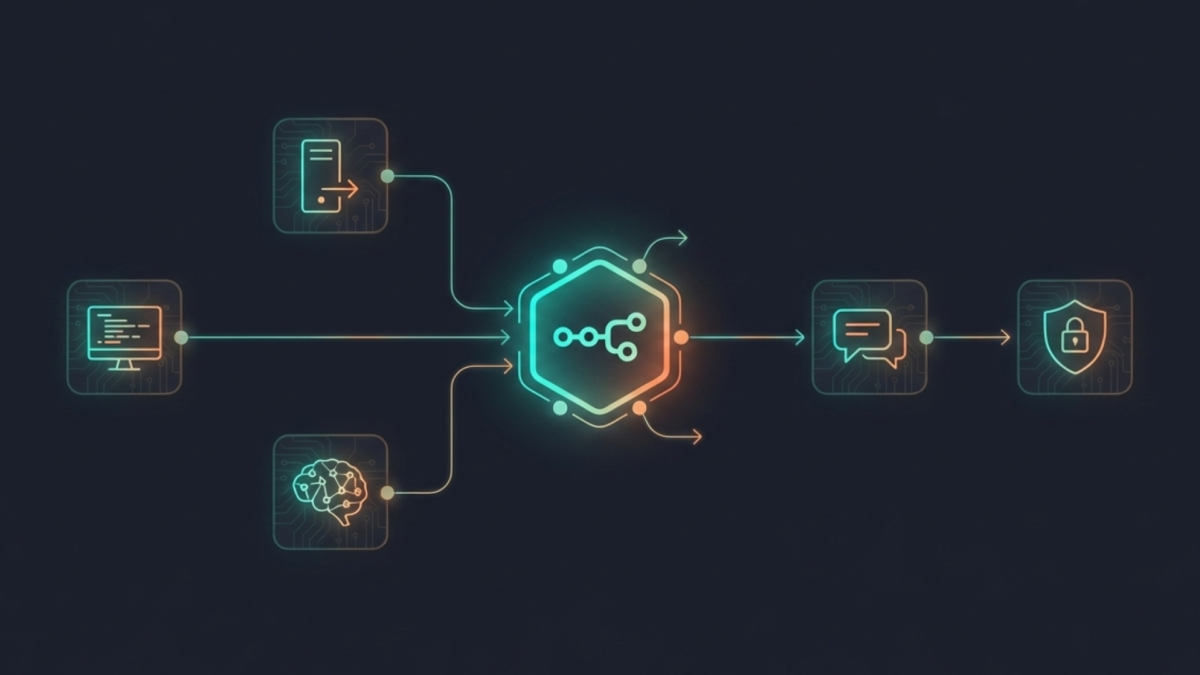
n8n is an open-source workflow automation platform that runs as a Docker container and connects every tool in your homelab into a coordinated system that can respond to events intelligently
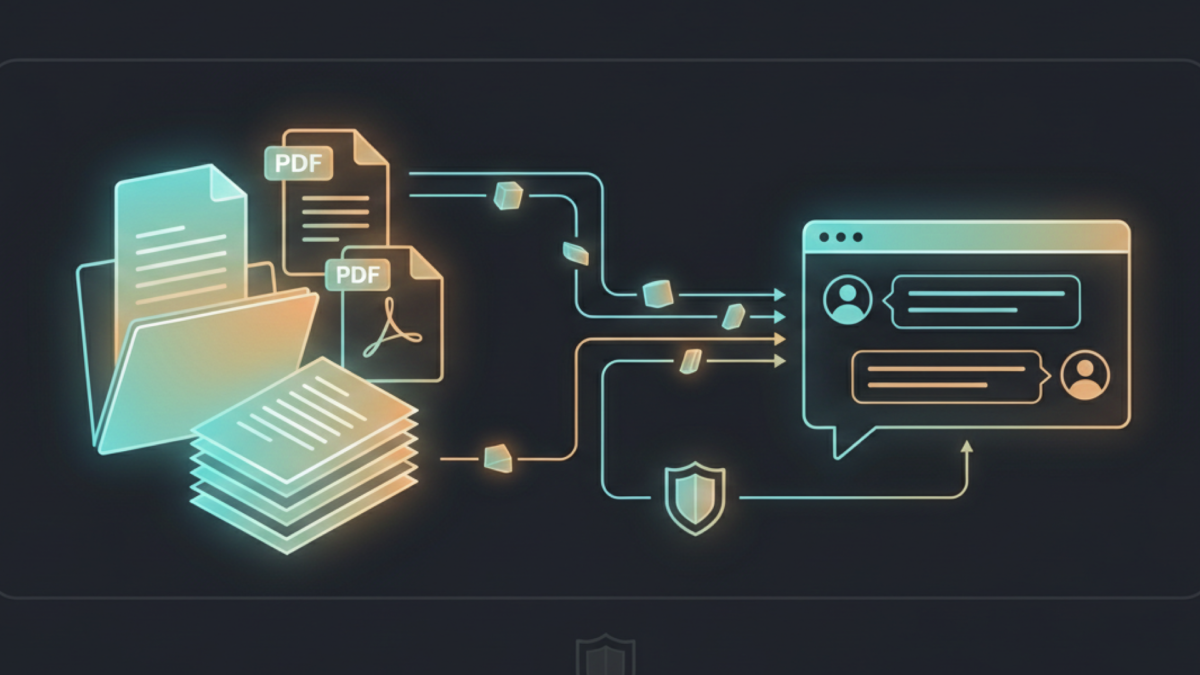
AnythingLLM is an open-source application that lets you chat with your private documents using local AI entirely on your own hardware, with no cloud required. It takes the concept of

Open WebUI is a self-hosted web interface for interacting with large language models. It takes your local Ollama setup and wraps it in a polished browser-based interface that anyone can